
Even in 2026, I still smile when I think about the chaotic week when Stardew Valley 1.6 finally arrived on consoles and mobile. After months of waiting, I loaded my farm, checked my crops, petted my cat, and immediately did what any reasonable farmer would do: I put a cowboy hat on my pet. It looked perfect. Then the frame rate began to stutter, and I asked myself, could fashion really be the villain here? According to ConcernedApe, yes—at least for a while. The PSA was simple: if you are experiencing performance issues, remove all hats from pets. The team would address the problem as soon as possible. I laughed, then sighed, then took the hat off.
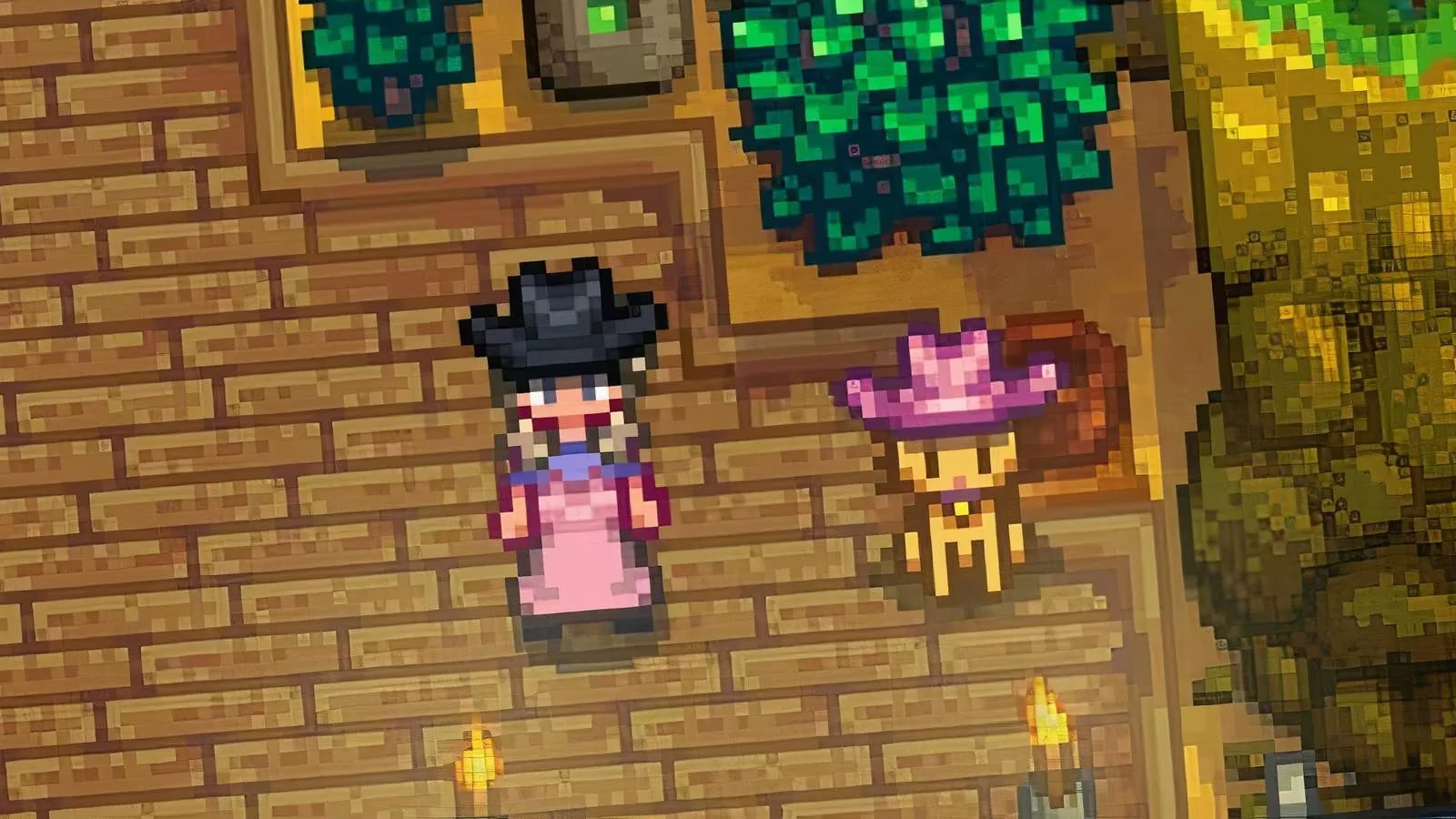
The Weirdest Performance Bug I Have Ever Loved
I have seen performance bugs before. I have seen crops fail to load, animals wander through fences, and menus flicker like a candle in the wind. But stylish pets causing lag? That was a new one for me. It is still unclear why playing dress-up with a pet would make the game struggle, and honestly, part of me does not want to know. Some mysteries are better left adorable. Was it the hat rendering? The pet animation? The sheer confidence of a cat in a tiny cowboy hat? I cannot say.
What I can say is that the issue was real enough for ConcernedApe to warn players directly. For a short time, my farm felt like a fashion show with a bad graphics card. I had to make a choice: keep the cat looking fabulous and endure the stutter, or remove the hat and return to smooth farming. I chose smooth farming, but I did not have to like it.

I also had to take the bridal veil off my horse. Was that heartbreaking? A little. The wedding could wait, I told myself. The lag had to be ironed out first. If you have ever dressed a horse in a veil and then removed it for the sake of frame rate, you understand the strange emotional journey of Stardew Valley 1.6 on console and mobile.
How I Removed Hats From My Pets
If you are wondering how to take a hat off a pet, the answer is almost too simple. ConcernedApe explained that if you try putting a different hat on your pet, it will remove the original hat first. That means you need a second hat handy. I did not have a second hat at first, so I stood there like a farmer who had planned a costume change but forgotten the costume. Once I found another hat, the process was easy.
| Step | What I Did | What Happened |
|---|---|---|
| 1 | Kept a spare hat in my inventory | I was ready for the swap |
| 2 | Tried to place the new hat on my pet | The original hat was removed first |
| 3 | Repeated with other pets | My farm became hatless and smoother |
| 4 | Waited for a fix | I kept farming and avoided pet fashion |
It felt silly, but it worked. I removed the hats, watched the stutter fade, and went back to my usual routine of watering crops and pretending I would organize my chests later. Would I put the hats back on eventually? Of course. But only after the performance issue was addressed.
The Crafting Bug That Made Me Rethink My Chests
The pet hat problem was not the only issue I ran into during the 1.6 console and mobile rollout. There was also a crafting bug. At the tooltable, when I stood next to chests, the advanced crafting options did not always show items that were in my backpack. I noticed it while trying to craft something simple, and I kept wondering why the game was ignoring the materials I knew I had.
According to player reports, this bug appeared across Nintendo Switch, Xbox, and PlayStation. ConcernedApe said he was aware of the bug but had not been able to reproduce it on his end yet, and he asked players which platform they were on. That answer did not magically fix my crafting menu, but it did help me feel less alone. Have you ever stared at a crafting screen and felt personally judged by a missing stack of ore? I have.
| Issue | What I Saw | My Workaround |
|---|---|---|
| Pet hats | Performance lag with hatted pets | Removed hats with a spare hat |
| Advanced crafting | Backpack items missing from options | Dumped materials into adjacent chests |
| Platform spread | Switch, Xbox, and PlayStation reports | Waited for a fix and adapted |
The workaround was not elegant. I basically dumped everything into the adjacent chests and hoped the crafting menu would cooperate. It usually did. I would not call it my finest farming strategy, but it kept me moving. In a game about slow living, I was suddenly speed-running inventory management. Was that ironic? Maybe. Did I still love the game? Absolutely.
What I Took Away From the 1.6 Rollout
Looking back from 2026, I think the whole episode is a perfect reminder that even cozy games have messy launches. Stardew Valley 1.6 brought a lot of excitement to console and mobile players, but it also brought pet hat lag and a crafting quirk that made me rethink how I organize my farm. The important thing was that the issues were acknowledged, workarounds existed, and the community shared information quickly.
Here is what I keep in mind now:
-
🐱 Pet fashion is fun, but performance comes first.
-
🎩 Keep a spare hat if you need to remove a pet hat.
-
📦 Adjacent chests are your friend when crafting options misbehave.
-
🛠️ Report bugs with your platform details; it helps developers investigate.
-
🌾 Patience is part of farming, even when the harvest is a patch note.
So, would I put a cowboy hat on my cat again? In a heartbeat. Would I do it during a known performance bug? Probably not. The 1.6 console and mobile launch taught me that style and stability can clash, and sometimes the best move is to take the hat off, stash it in a chest, and wait for the fix. That is not the most glamorous farming story, but it is a very Stardew Valley one.
Comments